How to use BricksPlus Components
Step - 01
Download your desired Component and unzip it.

Step - 02
Click on the “+” icon.
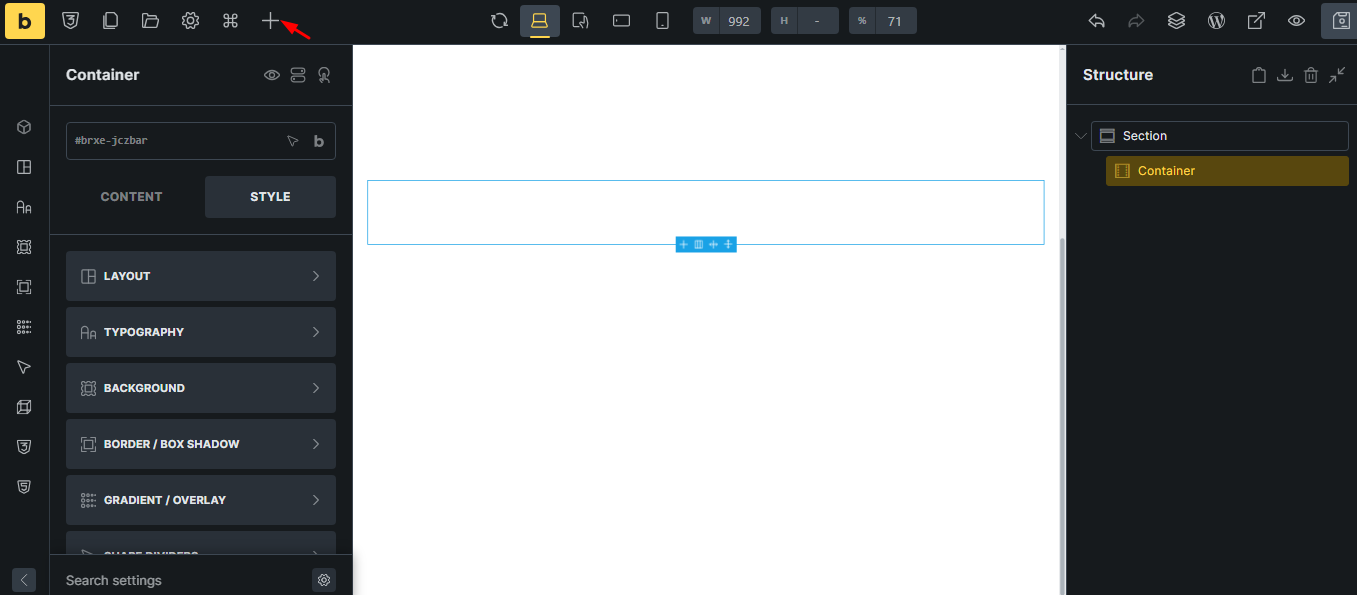
Step - 03
Go to the Components tab and click on “Import”.
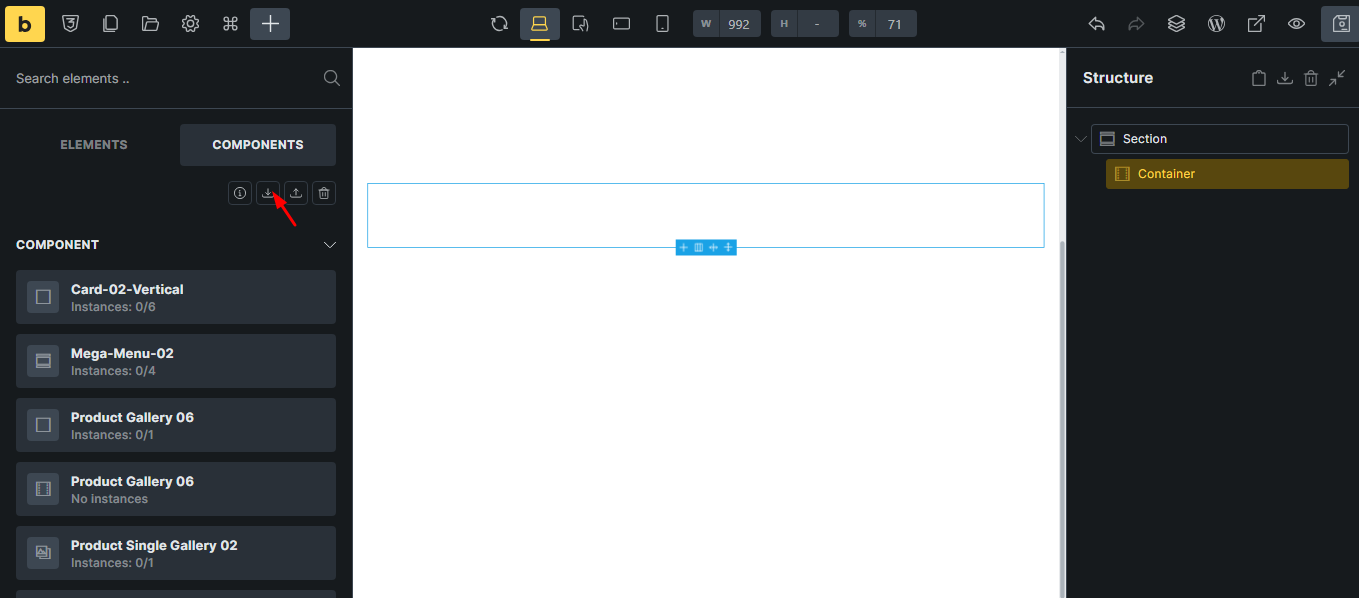
Step - 04
Select “FILE(S) TO IMPORT” and open the downloaded Component JSON file


Step - 05
Click on the imported Component, and you’re good to go.
